Add Dark Mode
Ship dark mode that looks thoughtfully designed, not just inverted.
Installation
Run the ui.sh installer to add this skill in your project:
To install multiple skills at once, omit the skill name from the command:
Adding dark mode
Use the add-dark-mode skill to add dark mode support to an existing site:
/add-dark-mode
The skill adjusts text, backgrounds, borders, shadows, and more for dark mode, ensuring an appropriate level of contrast is maintained between light and dark mode.
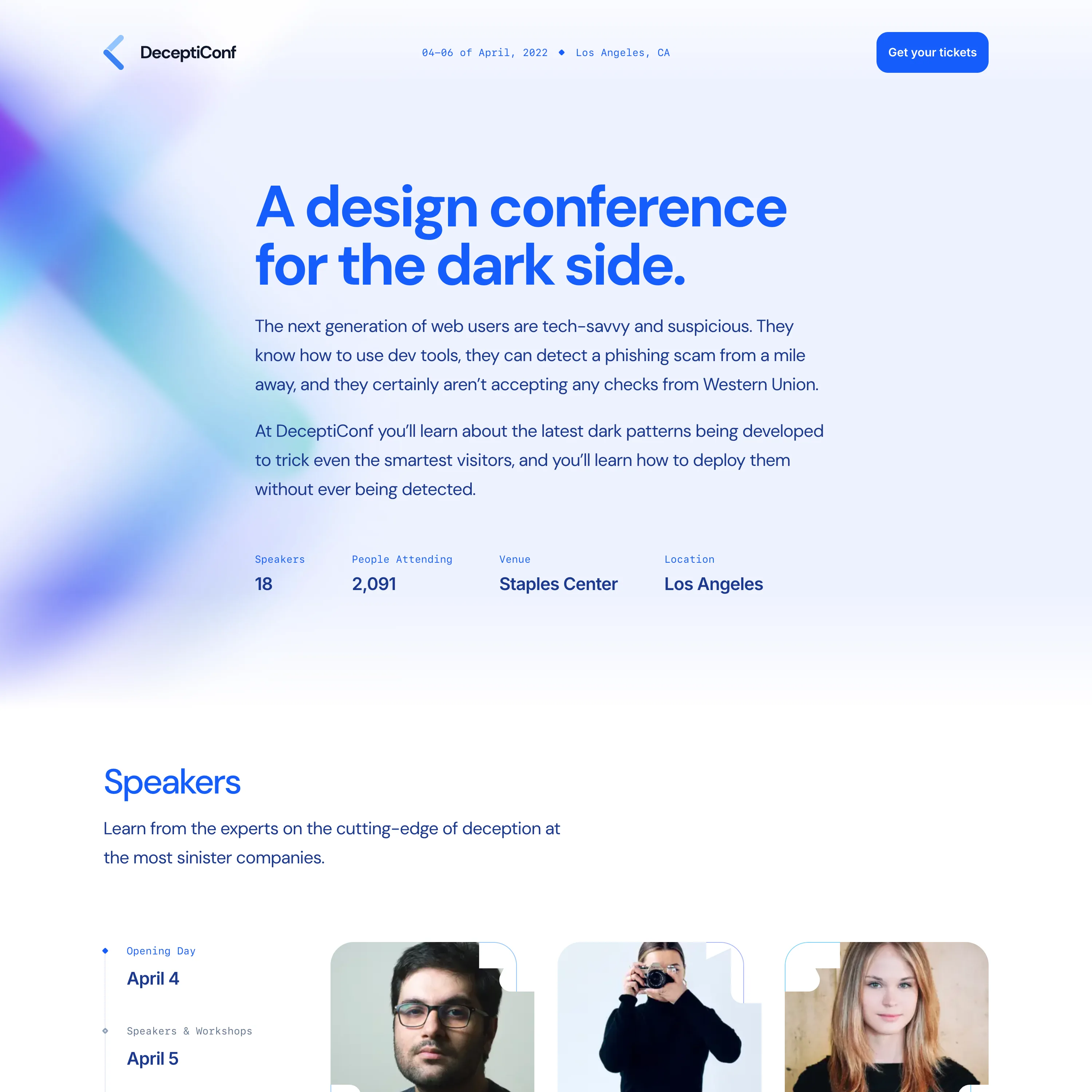
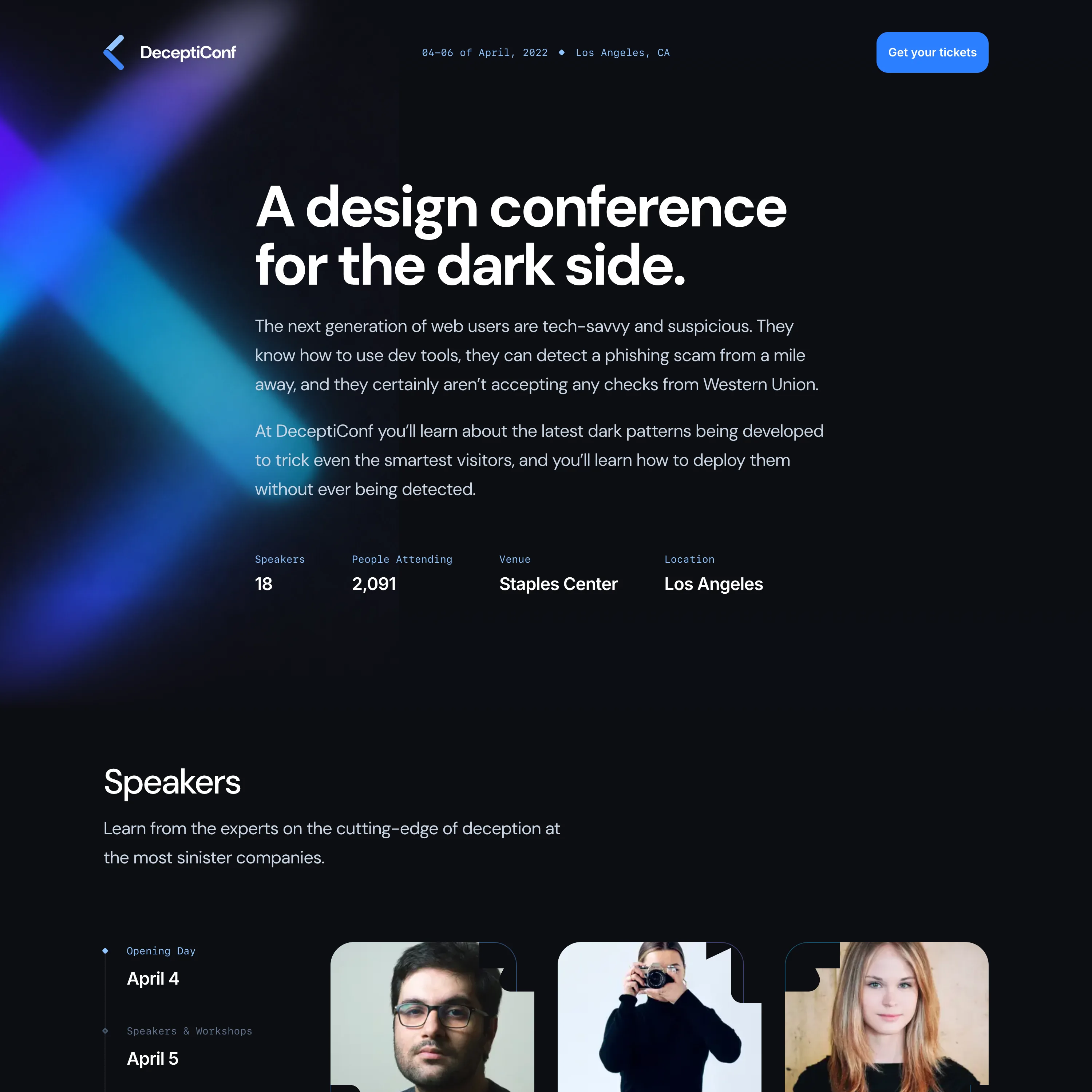
Generating dark mode images
If you're using Codex's new image generation model, this skill will automatically try to generate dark-mode-optimized versions of rasterized images.

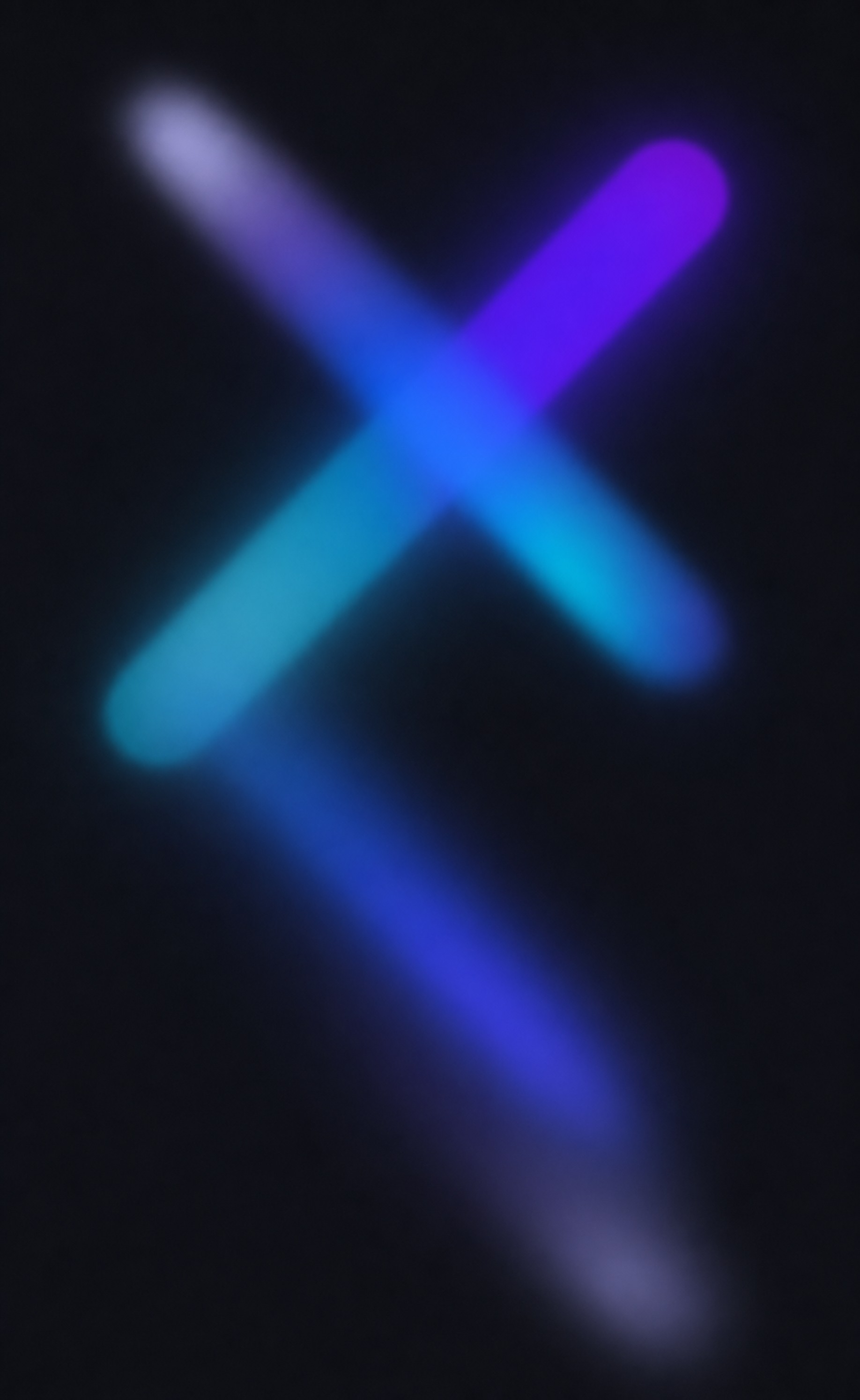
You can also prompt the skill to convert a specific image to dark mode:
/dark-mode-image illustration.jpg
What this skill does
- Adds a thoughtfully designed dark mode to an existing light UI.
- Balances text, surfaces, borders, and shadows for the right contrast.
- Finds images, illustrations, screenshots, and SVGs that need dark-mode variants.
- Hands raster image work to the
dark-mode-imageskill.