Goodbye /ui, hello local skills
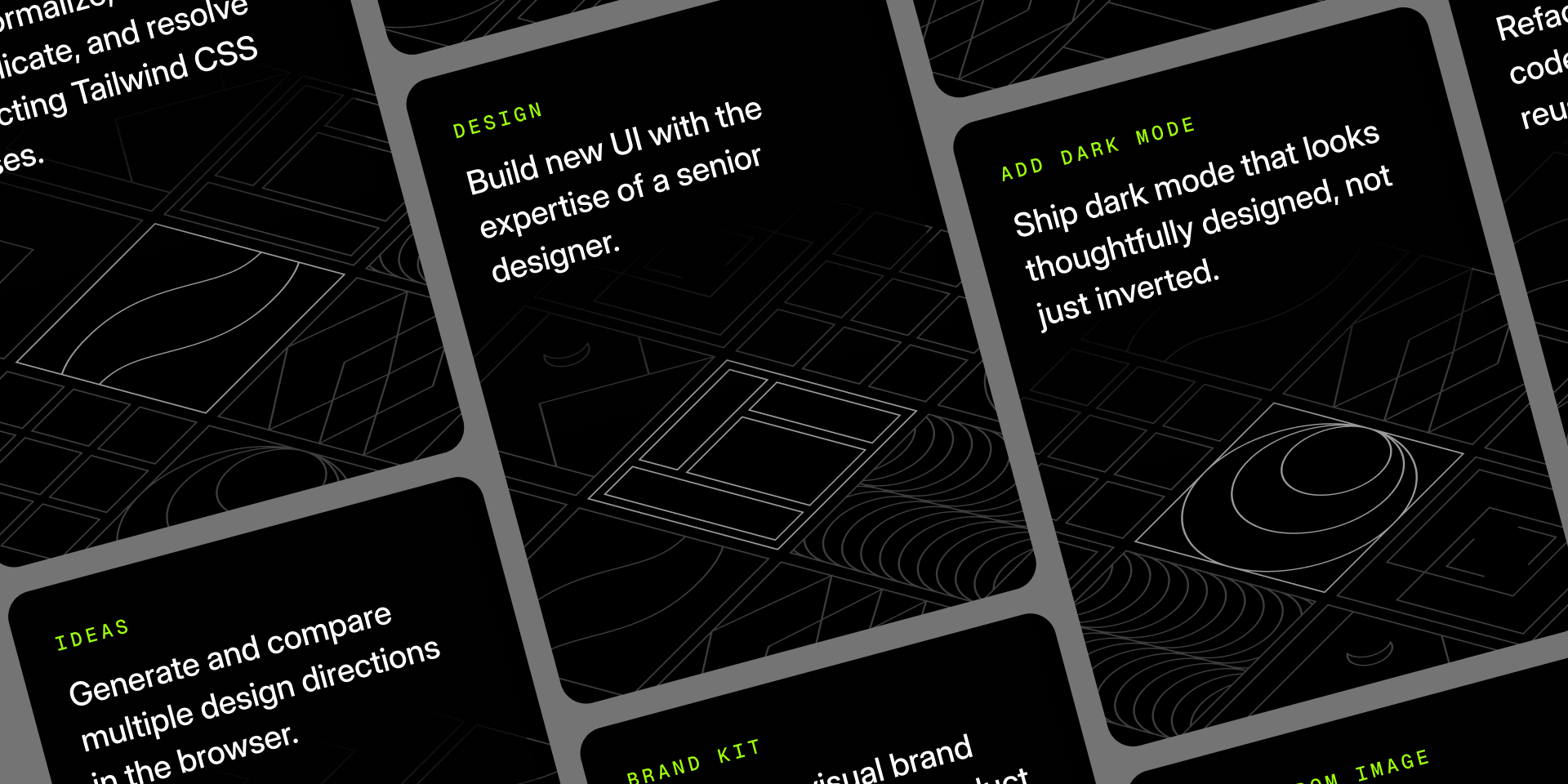
For the last few months, ui.sh has been organized around a single top-level /ui skill with a bunch of internal "subskills" hiding underneath it.
I liked the idea in theory: install one thing, get everything, but in practice, a lot of people just weren't sure what to do with it.
There's also a lot of stuff that might work with one model (like image generation) but not with another, and authoring for the lowest common denominator means we haven't been able to deliver cool stuff that takes advantage of those capabilities.
So we're reorganizing ui.sh as separate, locally installed skills to make things more discoverable, more capable, easier to customize, and to remove our remote MCP server as a point of failure in your workflow.
Here's what we're surfacing today:
/design
The /design skill is still the one to reach for whenever you're asking an agent to build UI from scratch. It loads all of the ui.sh design rules around color, spacing, typography, accessibility, and all of the little details we care about in our own work that agents usually miss on their own. Use this one the way you've been using /ui up until now.
/ideas
The /ideas skill is a direct way to trigger the UI picker you used to be able to trigger with /ui if you provided the right incantation. Any time you want to try a few different design concepts, compare font options, or play with color palette ideas, this skill is your best friend.
/brand-kit
The new /brand-kit skill is designed for OpenAI's state of the art gpt-image-2 model and is amazing for generating visual inspiration for a new project. It'll help you find an overall vibe you are excited about, and give you specific font and color recommendations to bring it to life, as well as screen mockups to help you picture what things might look like when you're done.
/componentize
When I build new stuff, I usually build it as one big block of markup while I figure things out and iterate on the design and implementation. The /componentize skill takes that big block of markup and organizes it into well-factored components using the same componentization principles we follow when building things by hand.
/canonicalize-tailwind
The /canonicalize-tailwind skill tidies up Tailwind class strings without changing how the UI looks. It sorts utilities, removes duplicates, collapses shorthands, and makes sure you are using the latest and greatest, most idiomatic syntax for any given Tailwind feature.
/add-dark-mode
The /add-dark-mode skill adds dark mode to an existing site without just inverting every color and calling it a day. It adjusts text, backgrounds, borders, shadows, contrast, and the other tiny things that decide whether dark mode feels intentional or like you just turned on "invert colors" in your accessibility settings.
If you're using Codex, it can also generate dark-mode-optimized versions of raster images when the light-mode assets are going to look awkward on a dark surface.
/dark-mode-image
The /dark-mode-image skill is the standalone version of that image workflow. Give it a photo, illustration, product mockup, background, or texture, and it will create a version that works on dark surfaces while still doing the same job in the interface.
/make-responsive
The /make-responsive skill takes a desktop-oriented UI and makes it behave across mobile, tablet, and desktop breakpoints. It accounts for a lot of the best practices we've learned in building our own responsive sites, like making sure your typography feels native and not too small, managing spacing to best take advantage of the limited screen real estate, and making sure interactive elements are easy to use with your fat thumbs.
/markup-from-image
AI is still pretty bad at turning screenshots into production-ready code, especially when it comes to nailing the visual design. The /markup-from-image skill turns screenshots, Figma exports, mockups, and wireframes into plain HTML or JSX. It intentionally stops at semantic, accessible structure, so you can get the markup right first and worry about layering on the design stuff yourself.
User accounts
We've also added real user accounts to the ui.sh website now, mostly to make it easier for teams with commercial licenses to share access to the documentation now that it's the point of discovery for the individual skills.