Ideas
Generate and compare multiple design directions in the browser.
Installation
Run the ui.sh installer to add this skill in your project:
To install multiple skills at once, omit the skill name from the command:
Generating multiple design concepts
Use the ideas skill to generate a few different design concepts to choose from for a page or page section:
/ideas for a new testimonial section after the hero
An option picker will be inserted into the page so you can choose between the generated directions in the browser:
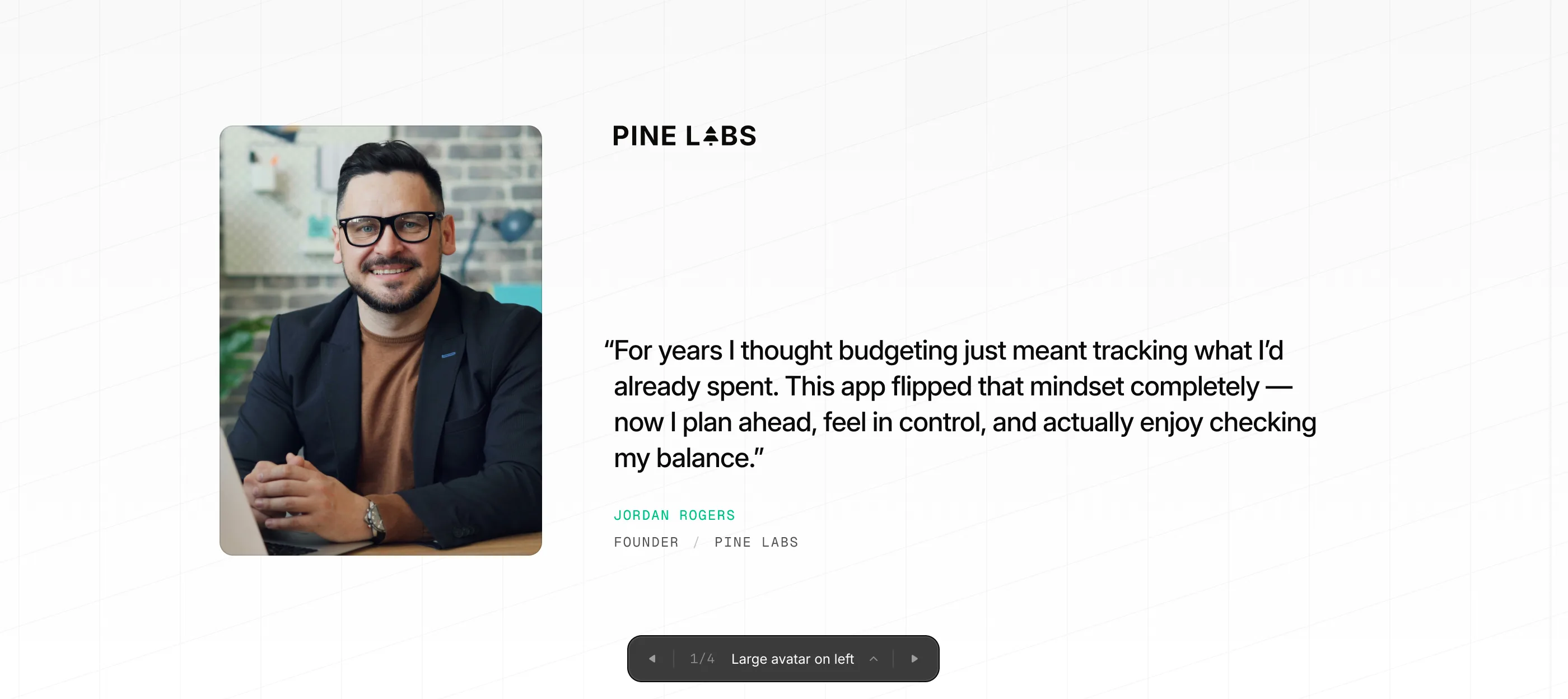
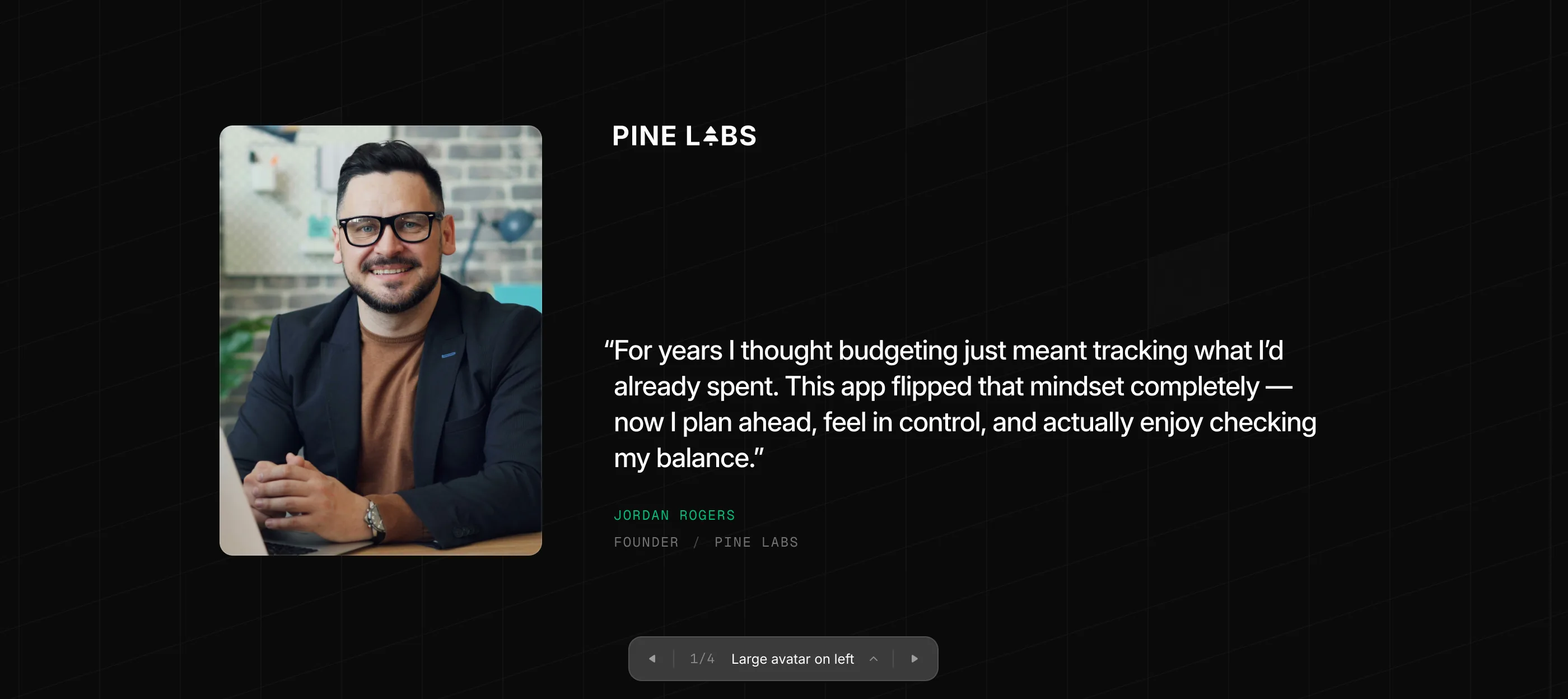
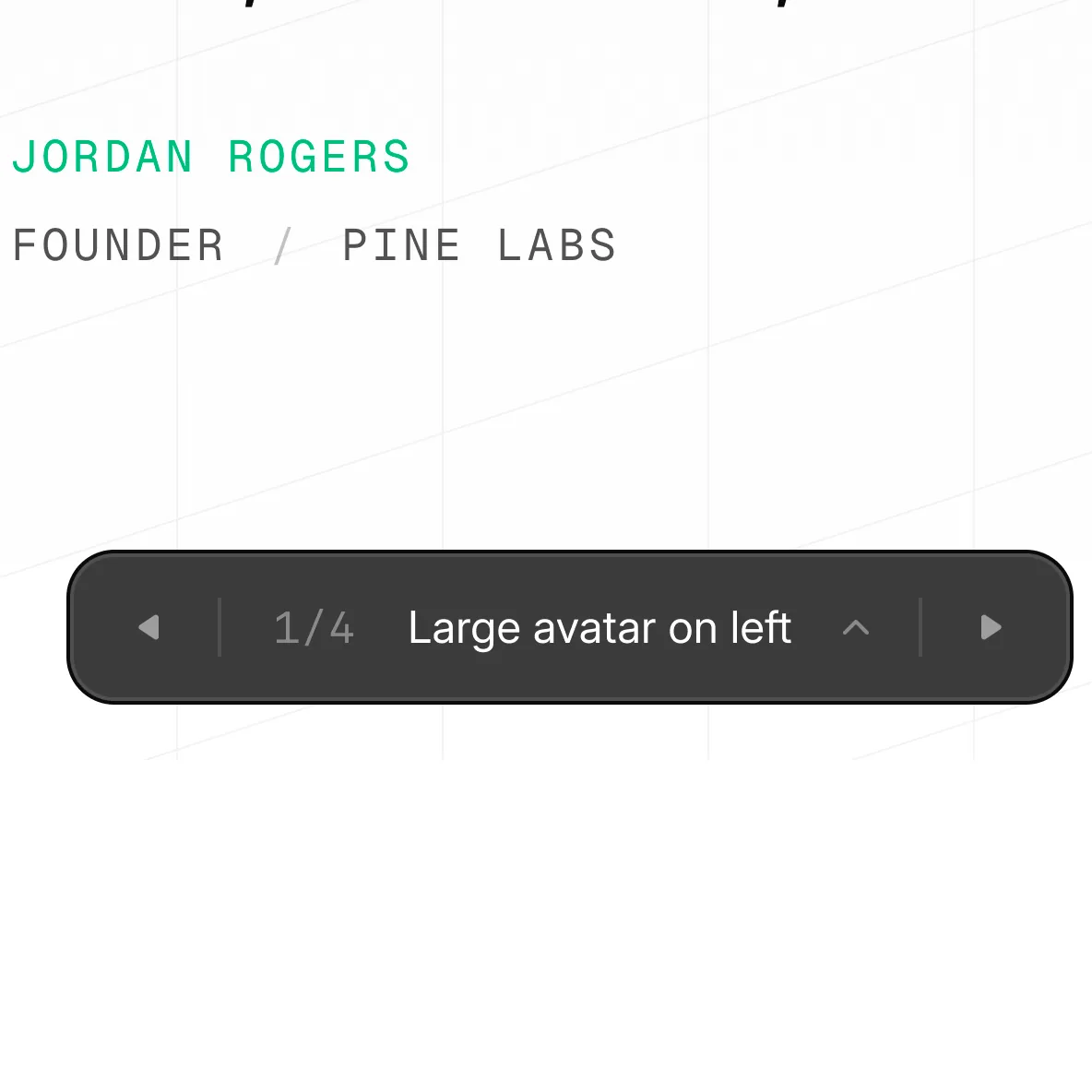
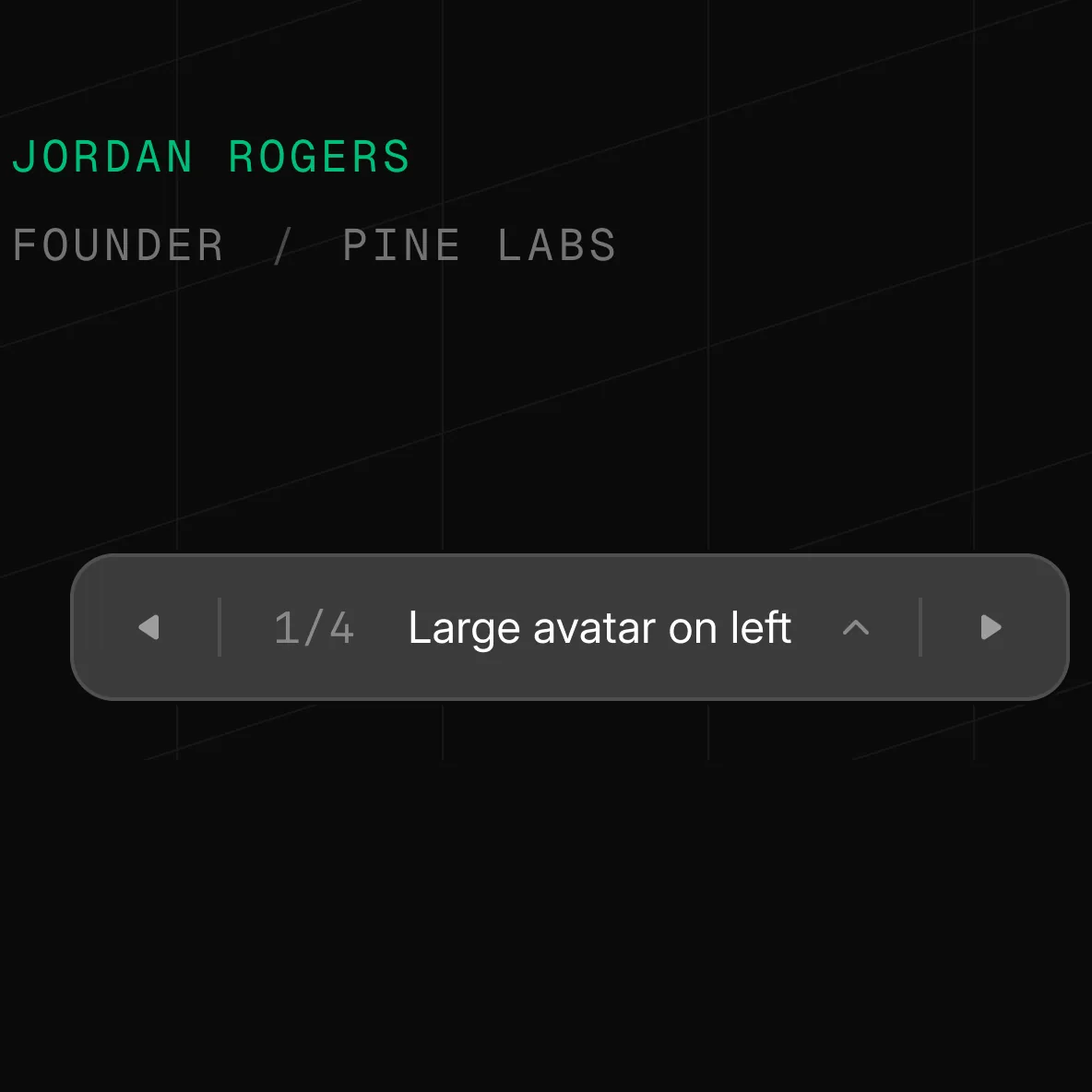
After the concepts are generated, the agent will present the options in a list. Select the one you want to keep, or ask it to combine elements from multiple concepts.
Combining with the design skill
Use the design skill alongside ideas when you want each concept to follow the ui.sh design rules:
/design /ideas generate three testimonial section concepts for the homepage
What this skill does
- Helps you explore several promising UI directions before committing to one.
- Shows the options in the browser with the picker so they are easy to compare.
- Keeps each option clearly labeled so you can choose one or ask to combine ideas.